
Server and IT infrastructure migration to our Riga data centre
CloudHosting SIA, a Latvian IT infrastructure provider since 2016, moves company servers and business systems out of an office server room or away from another provider into the Tier 3+ data centre it runs itself in Riga, on a written plan with a rehearsed switch and a way back for every step. Your own servers can be colocated as they are from 40 EUR per 1U a month plus electricity by meter, or replaced by our dedicated servers.
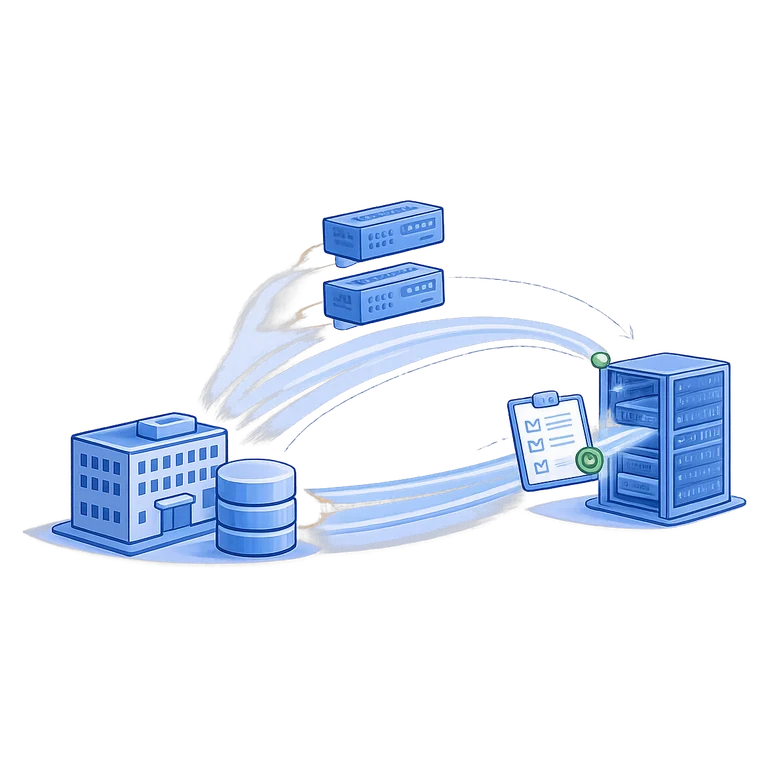
How we keep the risk down
Nothing moves before it is understood
We map what runs where, what depends on what, and which forgotten service everything quietly relies on. Surprises are found on paper, not at 3 am.
Every step has a way back
The old environment stays available until the new one has proven itself. If something is wrong, we go back instead of improvising.
The switch is rehearsed
Data is copied and the systems are started in the new environment for testing before the real cutover, so the cutover itself is short and boring.
We do not disappear afterwards
The first days after a move are when odd things appear. We watch the systems, fix what comes up and hand over a clear picture of the new setup.
What a migration project covers
- Survey of the current servers, systems and dependencies
- Choice of platform: dedicated servers, virtual, or colocation
- A migration plan with order, timing and rollback
- Moving servers and data, including physical relocation
- Network, VPN and firewall in the new environment
- Backup, testing, cutover and monitoring after launch
How a migration runs
- 1
Survey and plan
We inventory servers, systems, dependencies and working hours, then agree what moves in which order and what must not be interrupted.
- 2
Build and rehearse
The new environment is built and the data copied. Systems are started and tested there while the old ones keep running as normal.
- 3
Cut over and watch
The switch happens in the agreed window. Afterwards we monitor, fix loose ends and keep the old environment ready until you are satisfied.
Our own Tier 3+ data centre in Riga
Your services run on hardware we own and operate in Latvia, under EU jurisdiction. A second live region in the Netherlands; Dubai (DXB1) on request.
- N+1 redundant power and cooling
- Own BGP network with redundant uplinks
- Monitoring 24/7, engineers on working days 9:00 to 17:00
- GDPR and EU data residency
Weighing a move against keeping the servers in the office? Five-year cost of office, colocation, dedicated and cloud →
Moving off AWS or Azure rather than out of an office? Cloud repatriation: which workloads to move and what egress costs →
Key facts about infrastructure migration
Short answers to the questions companies ask first. Each point is confirmed again in the written plan.
| Provider | CloudHosting SIA, a Latvian IT infrastructure provider operating since 2016 |
|---|---|
| What is included | A survey of servers, systems and dependencies; a written plan with order, timing and a rollback for every step; the new environment built and rehearsed; the cutover in an agreed window; monitoring afterwards |
| Moving from | An office server room or another provider; your own physical servers can be transported and moved in as they are |
| Destination | The Tier 3+ data centre CloudHosting runs itself at Bērzaunes iela 1, Riga, Latvia (EU); dedicated servers also in Amsterdam, the Netherlands |
| Price | For a normal company setup the survey is part of preparing the offer, and the migration work is quoted before it starts. Colocation from 40 EUR per 1U a month plus electricity by meter, dedicated servers from 130.05 EUR a month on a 12-month term, without VAT |
| Downtime | For most systems an evening or a weekend window, agreed in the plan; the old environment stays ready until the new one has proven itself |
| Minimum term | Colocation has none; servers are invoiced in advance for 1, 3, 6 or 12 months and nothing is charged automatically; a dedicated server on a 1-month term carries a one-off setup fee |
| Support | Monitoring and incident response 24/7. Engineers answer on working days 9:00-17:00 Riga time, in English, Latvian and Russian. |
| Contract | One contract with CloudHosting SIA under Latvian law, invoices in EUR, a data processing agreement |
Checked:
Questions we get asked
How long will we be offline?
CloudHosting plans most migrations so that each system is down for an evening or a weekend window, not for days, because the copying and testing happen while the old environment is still serving users. The honest answer depends on two things: how much data has to be synchronised at the last moment, and how many systems have to be switched together because they talk to each other. During the survey we say which systems can move quietly on a working day and which ones need a proper window, and that goes into the plan you approve before anything starts.
Can we move the physical servers we already own?
CloudHosting moves servers you already own and colocates them in its Riga data centre from 40 EUR per 1U a month plus electricity by meter, arranging the transport, the rack, the power and the network. If the hardware is in reasonable shape, this is often the cheapest way to improve reliability quickly. We will also tell you when we think a machine is too old to be worth moving, for example when it is out of warranty and its disks are near the end of their life. Sometimes the right answer is a mix: the newer servers move as they are, the ageing ones are replaced during the migration instead of a year later under pressure.
What if something goes wrong during the switch?
CloudHosting keeps the old environment running and untouched during every cutover, so a failed switch ends in a rollback, not in a broken company. If a system does not behave as it did in the rehearsal and we cannot fix it inside the agreed window, we go back to the old one and reschedule instead of leaving people working on something half broken. It is a decision we take with you during the window, against criteria written down in advance, so nobody has to improvise at night. The rehearsal before the real switch is what makes this rare.
What does the survey itself cost, and what do we get from it?
CloudHosting does not invoice the survey separately for a normal company setup: it is part of preparing the offer. What you get is worth having even if you then decide to stay where you are: an inventory of what runs where, the dependencies nobody had written down, and a plan with an order of moves and a rollback for each one. Larger or unusual estates, several sites or a system nobody in the company still understands, take real engineering days, and in those cases we agree a fee up front rather than padding it into the monthly price later.
Can you work with our current IT provider?
CloudHosting works alongside a company's current IT provider during a migration and agrees in advance, in the plan, who does what in each window. It usually goes better that way: the person who has administered those servers for years knows things no survey will find in a day, and we would rather have them in the migration window than around it. The plan also says who has the final say if something has to be decided at two in the morning. If the relationship is ending, we can also take the handover from them and become the single point of contact afterwards.
Our contract with the old provider runs for a few more months. Is that a problem?
CloudHosting plans the move around your old contract, and an overlap of a few months is often the comfortable case rather than a problem. The old environment stays where it is until the new one has proven itself, which is exactly the rollback we want anyway, so an overlapping contract buys you a safety margin instead of costing you. We plan the move so the paid period is used, not wasted. What does need checking early is the notice period and how the provider hands data back, because some want written notice months ahead and a few charge for the final export.
Where do the migrated systems run?
CloudHosting moves systems into the Tier 3+ data centre it runs itself at Bērzaunes iela 1 in Riga, Latvia, on its own network AS58269. Dedicated servers are also available in Amsterdam, the Netherlands. The target platform is chosen per system during the survey: your own servers in colocation, our dedicated servers, virtual servers, or a mix. The Riga data centre is carrier-neutral and runs with N+1 power and redundant cooling; it is guarded, closed to visitors, and only a limited number of our own specialists have access. Your data stays in the EU.
Can you move us off a public cloud or another hosting provider?
CloudHosting moves systems off public clouds and other hosting providers the same way it moves them out of an office: survey, written plan, rehearsal, then a switch in an agreed window. Virtual machines are exported or rebuilt, databases are replicated or copied in advance, and DNS and address changes are prepared so users follow the switch without extra steps. What often changes most is the bill: a steady workload that runs all month can cost less on a dedicated server with a fixed monthly price than on metered cloud resources, and the survey shows whether that is true for yours.
What do we get in writing before the migration starts?
CloudHosting gives you a written migration plan before anything moves: the inventory of servers and systems, the order of moves, the window for each switch, the checks that decide success and the rollback for every step. It also states who does what on your side and ours, who confirms each step, and the monthly cost of the new platform, so the decision is taken with the numbers in front of you. Nothing starts until you approve the plan. After the move you receive the documentation of the new setup, so it does not live only in our engineers' heads.
What happens after the switch?
CloudHosting keeps migrated systems under monitoring and incident response 24/7 from the moment of the switch, and keeps the old environment ready until you are satisfied. The first days are when odd things appear: a scheduled task nobody listed, a printer still pointing at the old address, a report that runs only at month end. Our engineers fix what comes up, on working days from 9:00 to 17:00 Riga time and at any hour for an outage, and hand over a clear description of the new setup. From then on the platform can stay with us under ongoing administration, or go to your own IT team.
Let us look at your company's infrastructure
Tell us how many people work with the systems, what runs today and your timeline. Engineers answer on working days 9:00 to 17:00 Riga time, monitoring and incident response run 24/7.